MonsterVerze Guides Hub
Walkthroughs for fashion, travel, currencies, and early-access systems.
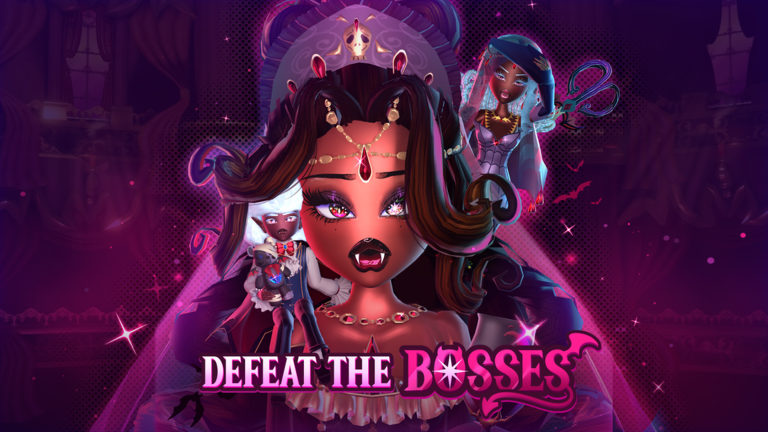
Welcome to the MonsterVerze Guides Hub. MonsterVerze is PlayGirldom’s afterlife fashion roleplay on Roblox: you wake up undead, finish Skella’s tutorial, then use the iGhost phone to dress up, shop, travel by train, and chase rare looks while the experience is still in early access / BETA. This hub is the map for every how-to on the wiki—start here, then jump into the child guides that match what you need right now.
Start here on day one
New players should open Getting Started first. That page covers character creation, Skella’s combat tutorial, the Graveyard train handoff into the open world, and the first-hour checklist so you do not wander without Ghoulars or a plan. Pair it with Free Ghoulars & Bundles so you claim the ~10k starter Ghoulars path (GirlDom group join plus like/favorite) and any limited outfit sets before you spend your first stack in the shop.
Core systems every player uses
The iGhost Phone guide explains the on-screen phone apps: Dress Up, Shop, quests, travel, VIP Monster, Settings (including codes), and the menus you will open dozens of times per session. Customization goes deeper on body, hair, face, clothing, colors/patterns, and monster parts such as fangs, wings, and tails. If you want photo-ready textures and uploaded art on outfits, read Custom Decals next.
Travel, premium currency, and Halos
MonsterVerze exploration is train-first. Locations & Trains covers Eerie High, the Graveyard Train Station, Hauntlywood’s Fashion Arena, and how fast travel ties districts together while more zones arrive during BETA. Level up in Competition & Runway and keep story beats moving with Quests & NPCs. For paid progression, Halos, VIM & Gems and Halo of Vampiria explain the Very Important Monster pass (~1200 Robux), Gem rewards by rank, and the Rank 10 crown—not random free drops.
How to use this hub with the rest of the wiki
Guides answer “how do I…?” questions. For live redeemables, keep Codes open and redeem through iGhost Settings. Compare looks and priorities on the Tier List. Track patch notes on Updates, find creators and community faces under Players, use calculators or helpers on Tools, bookmark official destinations on Links, and review automation notes carefully on Scripts if that is part of your workflow. Cross-link back here whenever a patch changes a menu name or claim path so newcomers always land on current walkthroughs.
Suggested reading order
- Getting Started — tutorial + first hour.
- Free Ghoulars & Bundles — soft currency and limited sets.
- iGhost Phone — master the HUD.
- Customization and Custom Decals — build your signature monster.
- Controls — PC and mobile movement, camera, and HUD buttons.
- Shop & Items — spend Ghoulars and Gems without wasting the first stack.
- Locations & Trains — Eerie High, Graveyard station, Hauntlywood.
- Competition & Runway — Fashion Arena XP and Ghoulars.
- Quests & NPCs — Skella, Daisy, and the iGhost quests app.
- Halos, VIM & Gems plus Halo of Vampiria — premium rank and the Rank 10 crown.
- Pets & Mounts — incubator mice, rides, and VIM exclusives.
Because MonsterVerze is early access, UI labels and claim steps can shift after weekly updates. Revisit this hub after each patch, verify steps in-game, and use the sibling guides plus Codes and Updates together so your fashion afterlife stays funded, mobile, and on-trend.
Frequently Asked Questions
Quick answers for codes, fashion, and BETA systems.
Which MonsterVerze guide should I read first?
Start with Getting Started, then Free Ghoulars & Bundles, then the iGhost Phone guide so you understand the tutorial, soft currency, and every app on the phone HUD.
Is MonsterVerze still in early access?
Yes. PlayGirldom’s MonsterVerze is early-access/BETA fashion RP, so menus, districts, and reward paths can change—recheck Guides and Updates after patches.
Where do codes and Halos fit with these guides?
Redeem codes via iGhost Settings (see Codes). Halo chasing and the ~1200 Robux VIM pass are covered in Halos, VIM & Gems; guides here link both hubs.